
Delivering Xeoma projects right
A checklist for resellers and installers
From installation to sign-off: how to commission Xeoma projects properly, so you don’t have to come back for rework.
Deploying Xeoma on site is fast and cost-effective: the platform is compatible with almost any hardware, installs in minutes, and is licensed as a one-time purchase, with no subscription model that complicates budgeting on the client’s side. For security system integrators, this means a low entry barrier, high margins, and a short project cycle.
A project that runs without the need to contact support becomes a source of referrals and repeat orders. A project handed over without proper finalization, on the other hand, turns into a stream of warranty callouts that erode margins and undermine trust. This matters especially on remote and geographically distributed sites, where the cost of a repeat visit is disproportionate to the cost of the installation itself. Our partners in Central Asia equipping schools in rural areas have confirmed the pattern: following the preparation checklist at the hand-over stage pays off many times over across the system’s entire life cycle.
To keep things under control and not miss a single aspect, Xeoma system integrators can follow the project commissioning checklist below.
Project hand-over checklist
Gathering system requirements.
Work on a video surveillance project starts with a precise understanding of the task. Compile the list of features the video surveillance system must perform: basic recording and viewing, video analytics (for example, face and license plate recognition, behavioral or speech analytics), alerts, remote access, etc. This list defines the entire further architecture, from the choice of license to the calculation of computing resources. Agreeing on requirements with the client at the outset rules out costly mistakes in the form of an initially incorrect calculation of requirements and cost.
Infrastructure calculation.
Based on the information about the number of cameras, resolution, archive depth, and video analytics tasks, calculate the load on the processor, disks, and network. Size the infrastructure with room to spare — usually a 20% margin over peak requirements, plus extra allowance if the client expects to scale later. That headroom spares you costly upgrades down the line; a system planned right to the limit becomes unstable the moment demands grow or something unexpected happens.
Preparation and stress testing of the hardware.
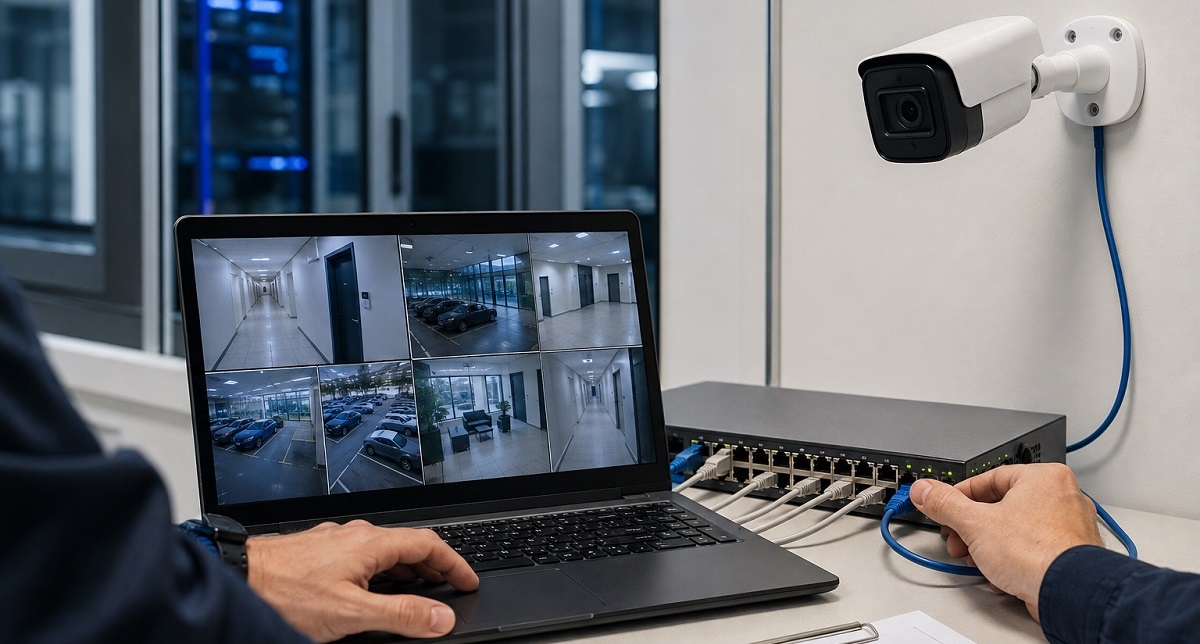
Like any software, Xeoma is only one part of a larger setup that also includes servers, storage, networking, power, and the cameras themselves. Once the system is assembled, confirm that every component is working and run load testing under conditions close to real ones — for example, after mounting the cameras, verify that they’re reachable on the network or over the Internet. This is one of the most important checkpoints: it’s the stage where hidden faults surface, the kind that can turn into a painful installation or bring the whole surveillance system down.
Deploying Xeoma.
Following the instructions, install Xeoma on the prepared server. Xeoma supports Windows, Linux, Linux/ARM, macOS, and Android, which lets you choose a configuration that fits the site’s actual infrastructure.
Connecting the cameras.
Use the automatic camera search on the network, or add cameras manually by IP address. Confirm that all devices are connected and provide a stable stream.
Configuring module chains.
Build a logical chain for each camera: source, filter modules (detectors), reactions. Keep the configuration aligned with the requirements from Step one and the calculations from Step two. A mismatch between plan and reality — for instance, running continuous recording where event-triggered recording was planned — pushes load and storage well beyond your figures and leaves the system unstable.
Configuring and calibrating video analytics.
If the project involves intelligent features — speech analytics, face and license plate recognition, visitor counting, abandoned object detection, behavioral analysis — set them up and calibrate them for the actual operating conditions: angles, lighting, zones of interest. Video analytics performs best after being adapted to the specific scene.
Configuring service functions.
For most mission-critical sites, the cameras are only half the picture — the surrounding system layer matters just as much: operator authentication with access-rights separation, alerts for equipment failure and sabotage, and event logging for later incident analysis. Set up the functions that the project calls for and confirm they work.
Acceptance testing under real conditions.
Put the system through its paces in real conditions rather than ideal ones: in daytime and nighttime, as the lighting shifts, during brief power and network outages, and on restart. Confirm that alerts go through, recording runs as it should, and detectors fire in the target scenarios without false positives outside them. A defect caught on site before hand-over costs far less than one the client reports later.
Redundancy and failover verification.
For sites where downtime is unacceptable, deploy redundancy. Run tests that emulate the failure of each component in turn, and make sure the primary and backup circuits share no single point of failure — no shared drive, power, or network node — since one such point means a single fault would take down both lines at once.
Locking in the configuration and handing over documentation.
Save a configuration snapshot of Xeoma — it enables system recovery in minutes instead of reconfiguring from scratch. Prepare structured documentation for the client: operating procedures, the support contact protocol, and, if necessary, the procedure for scaling the system when adding cameras, licenses, or modules. Good documentation reduces the load on support and gives the client a sense of security even after the project is complete.
How the project hand-over checklist helps build reputation
An integrator’s reputation is built not only from the project hand-over stage but also from client satisfaction during the subsequent operation of the site. Xeoma takes the main technical burden off the integrator by providing stable performance, reliable operation even in tough conditions, simple deployment, and transparent configuration logic. However, the flawlessness of a project is determined not only by the platform’s capabilities but also by the discipline of execution. Following the checklist helps to greatly reduce the risk that a site will require repeated visits and turn into a financial drain.
Remember that the effort and the time invested in testing and documentation at the hand-over stage pay back many times over across the system’s whole life: it runs for years, and the client turns into a source of new referrals. A site delivered using the checklist methodology becomes an asset that builds a solid reputation.
September 1, 2026