
AI Observer in Xeoma
Video surveillance that finds exactly what you need using artificial intelligence. Describe the object you’re looking for in natural language, and the system will be looking for it in the camera’s field of view. A single module replaces dozens of dedicated detectors. Everything runs locally, on your own server.

A camera that understands what’s happening
 Xeoma’s AI Observer, powered by visual language models — the next level of language models (LLMs) — takes video analytics beyond individual detectors: it analyzes the scene as a whole, describes it in natural language, and reacts to what you’ve defined in plain words. This module is also called the detector of everything or the universal detector — it replaces dozens of dedicated detectors. Three capabilities in one module:
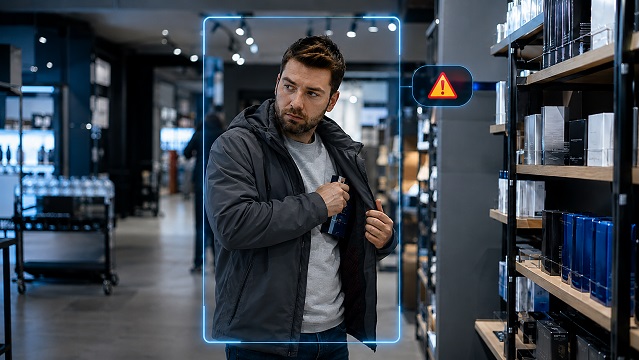
Finds by description — instead of a detector for every task
Describe in free form what you need to detect, and the module will trigger on it. For example: “a weapon”, “a crack in the wall”;, or a specific type of cargo. There’s no longer any need to configure a separate detector for each object — just describe what you’re looking for, or pick one of the ready-made scenarios.

Describes what’s happening
The module continuously analyzes the frame and produces a coherent text description of what the camera sees: what objects are in the frame and what they are doing.
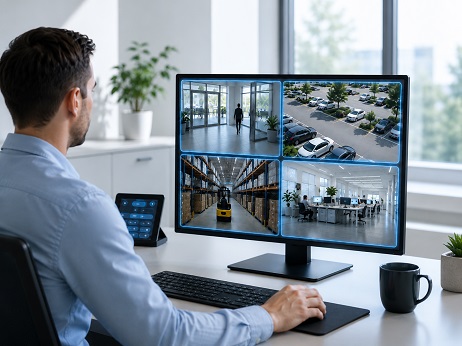
Overlays the description onto the video stream
The text description of what’s happening can be shown on top of the camera image and overlaid onto recordings and their exports. The operator grasps the essence of the scene at once, even if there are small details in the frame they didn’t notice.
 Requirements: The “AI Observer” module requires a discrete (dedicated) graphics card with at least 8 GB of VRAM.
One module, dozens of tasks
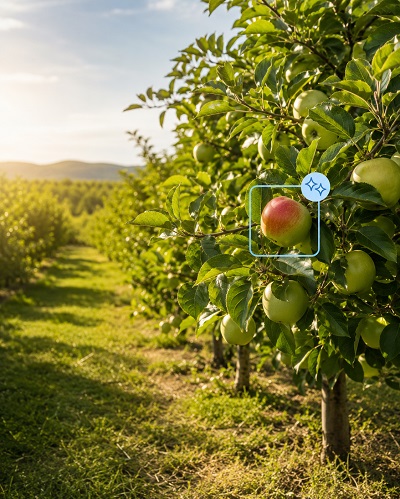
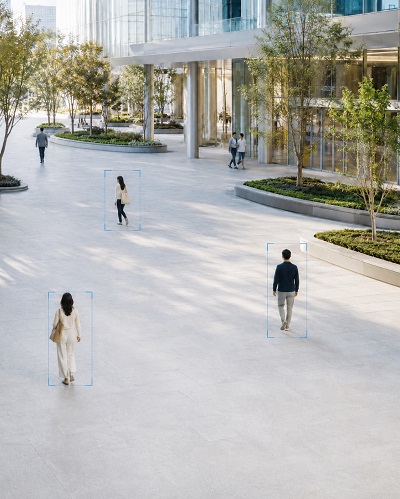
Xeoma’s AI Observer replaces a host of specialized detectors and removes the need to build new ones: no commissioning paid development and waiting for it to be implemented. AI Observer is equally useful wherever it matters to understand the context of a scene and to find non-standard objects and events — from a construction site to a retail floor.





Local, flexible, and predictable in price
AI Observer follows Xeoma’s general logic: processing on your own server, flexible module chains, and clear licensing.
Scene analysis and description are performed locally. The video isn’t sent to a third-party cloud — the data stays inside your network.
The module is purchased per number of cameras, with no charge per frame or per event. There’s no need to use several detectors, commission paid customization, and wait for it to be implemented.
Connect AI Observer with any of Xeoma’s reactions — recording, notifications, alarm — into a single chain tailored to your task.
Part of a large AI analytics suite
AI Observer works on its own or together with other intelligent Xeoma modules in a single chain.
Detection of people, vehicles, animals and other types of objects in the frame.
Learn more »Identification of people in real time, whitelists and blacklists. Extra additions: counting of unique visitors, search by photo, and a mask detector.
Learn more »Identification of vehicles in real time, access control, vehicle whitelists and blacklists. Extra additions: speed detector and parking-space status.
Learn more »Keyword-based detection, transcription of conversations in real time and from recordings.
Learn more »Automatic logging of employees’ arrival, departure, and presence by their faces.
Learn more »Monitoring the presence of hard hats and compliance with safety requirements on site.
Learn more »Reaction to a gunshot, a scream, breaking glass, and other alarming sounds.
Learn more »Automatic tracking of the ball and players, filming a match without an operator.
Learn more »And many other video analytics capabilities.
Test it in 5 minutes
Download and launch Xeoma. The program starts in the Trial editionwith 99% of all features available. For convenient testing you can get a demo license.
Let Xeoma find cameras automatically on the network, or add a camera manually by its IP address. Any type is supported, and there’s a built-in demo camera.
Add the module to the camera chain.
Enter a query — for example, “a person in a yellow baseball cap” or “a KIA sedan” — or use one of the ready-made queries offered.
Recording, notifications, alarm, your own reactions — choose the result you need. More about notifications in Xeoma.
Put AI Observer to the test
Get a demo license and test it in real conditions at your own pace, or buy a license at an affordable price.