
Professionelle Gesichtserkennung
von Xeoma für Privatpersonen
und gewerbliche Nutzung
Echtzeit-Gesichtserkennung und -identifizierung direkt auf Ihrem Server.
Keine Cloud-Abhängigkeit. Keine Gebühren pro Bild. Genauigkeit bis zu 99%.
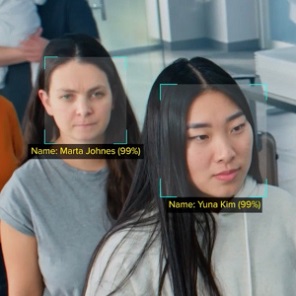
Ein Modul. Dutzende Szenarien.
 Die Gesichtserkennung in Xeoma ist branchenübergreifend einsetzbar – von der Suche nach vermissten Personen in stadtweiten Kameranetzen bis hin zur Erkennung von VIP-Kunden beim Betreten eines Hotels.
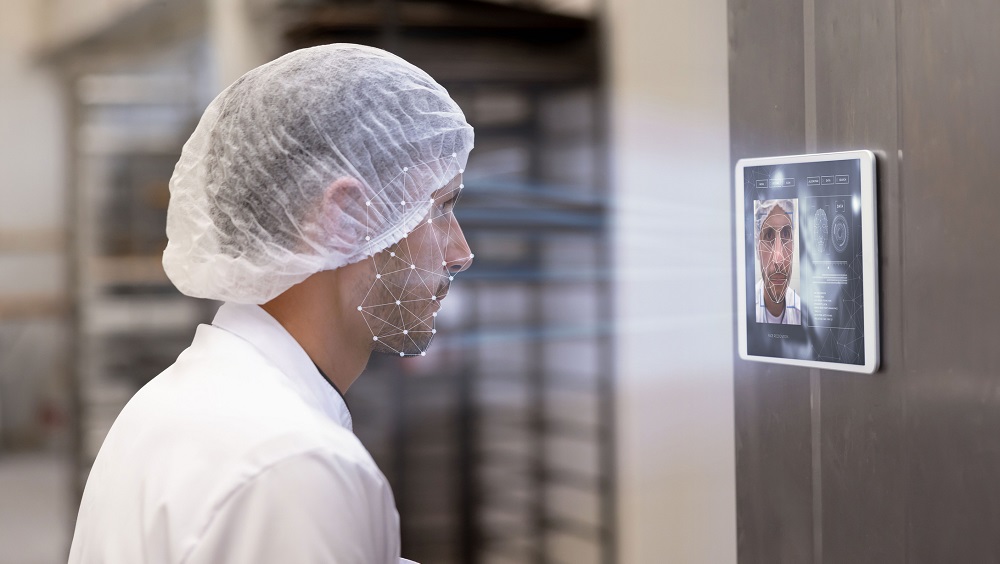


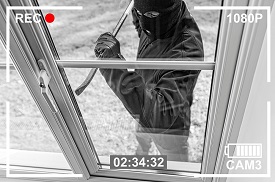



Vier Konfigurationen für die Systemauslösung
Die Gesichtserkennung detektiert nicht nur — sie entscheidet. Legen Sie präzise fest, welche Personen relevant sind und welche ignoriert werden sollen.


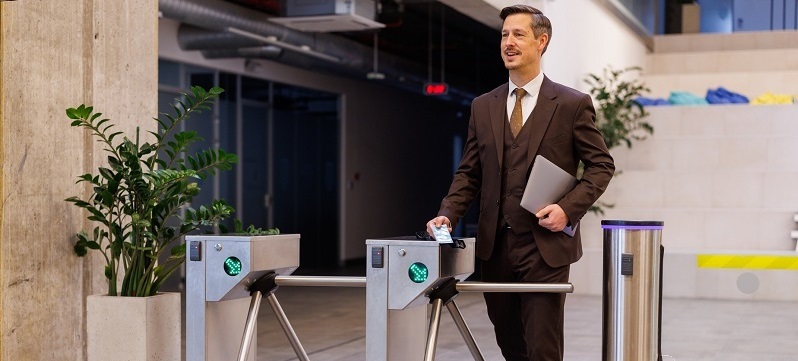

Ein fundamental anderer Ansatz
Die meisten Lösungen zur Gesichtserkennung senden Ihr Videomaterial an externe Cloud-Server. Xeoma verarbeitet alles lokal — Ihre Daten verlassen niemals Ihr Gebäude.


Alles bleibt auf Ihrem System
Ihr Videomaterial, Ihre Gesichter, Ihre Daten. Die Erkennung erfolgt vollständig auf dem lokalen Server — es werden keine Bilder an externe Dienste gesendet. Dadurch arbeitet das System vollkommen offline und verbraucht keine Upload-Bandbreite.
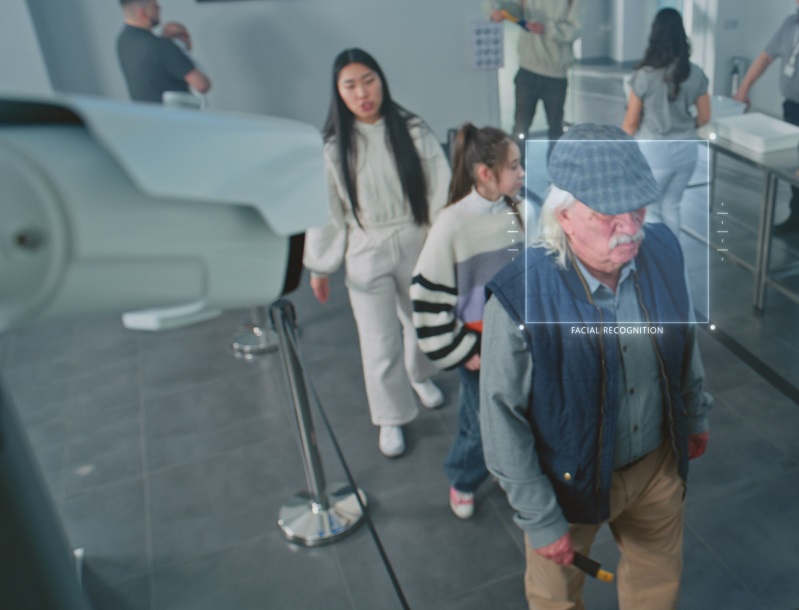

Echtzeit – nicht Bild für Bild
Xeoma verarbeitet Live-Videostreams, keine einzeln hochgeladenen Fotos. Je höher die Bildrate Ihrer Kamera, desto präziser und schneller die Erkennung. Mehrere Gesichter in einem Einzelbild werden simultan verarbeitet.
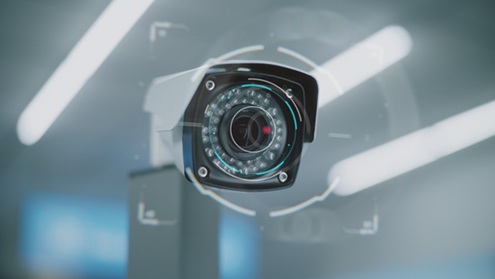

Einmalige Zahlung. Keine Abrechnung pro Bild.
Viele Erkennungstools am Markt berechnen Gebühren pro Bild oder pro Monat. Die Gesichtserkennung von Xeoma ist ein einmaliger Lizenzkauf. Verarbeiten Sie beliebig viele Gesichter – dauerhaft und ohne laufende Kosten.
„Den ersten Test, den ich mit dem Gesichtserkennungs-Algorithmus Vision durchführte, machte ich an einer 360-Grad-Kamera im Flur zu unseren Büros. Ich war erstaunt, wie effizient Xeoma arbeitet, denn dieser Test lief auf einem Server mit einer älteren Intel Core i7 CPU und funktionierte dennoch hervorragend! Es ist natürlich nicht ideal, aber es funktionierte. Noch beeindruckender war, dass es gleichzeitig mit dem Fisheye-Dewarping lief, wodurch wir Menschen und Gesichter im gesamten Flur erkennen konnten. Ohne das Fisheye-Dewarping würden Gesichter auf dem Kopf nicht erkannt werden, aber mit dem Dewarping erfolgt die Erkennung perfekt! Dass dies alles auf einem reinen CPU-System geschah, war verblüffend.“
Gesichtserkennung als Teil eines umfassenden Toolkits
Mehrere weitere Xeoma KI-Module analysieren Gesichter — jedes löst ein spezifisches Problem. Sie arbeiten unabhängig oder parallel zur Gesichtserkennung in derselben Kette.

Erkennt 7 Emotionen in Echtzeit – Freude, Wut, Angst, Traurigkeit und mehr. Zeigt Ihnen, wie sich Ihre Kunden oder Mitarbeiter tatsächlich fühlen.

Ermittelt das ungefähre Alter und Geschlecht von Personen im Kamerabild. Ideal für demografische Analysen im Einzelhandel, Gastgewerbe und Marketing.

Verfolgt den Blickverlauf einer Person — welches Produkt oder Display zuerst die Aufmerksamkeit erregt. Objektive Erkenntnisse für Produktplatzierung und Marketing.

Kombiniert Gesichtserkennung mit Smartcard oder QR-Code für eine Zwei-Faktor-Authentifizierung. Für Bereiche, die ein höheres Sicherheitsniveau erfordern, als es die reine Gesichtserkennung bietet.
Drei Erkennungsmodi – wählen Sie den passenden aus
Xeoma bietet drei unabhängige Algorithmen zur Gesichtserkennung. Wählen Sie die Variante, die Ihrem Budget und Ihren Genauigkeitsanforderungen entspricht.
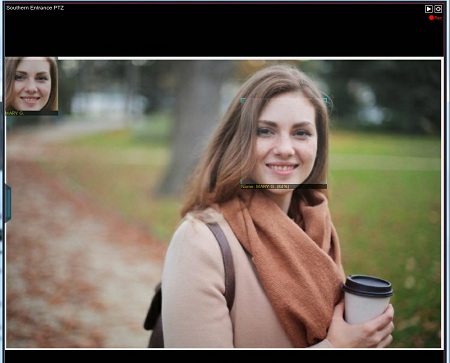
- Xeoma-Pro-Lizenz oder Zusatzlizenz
- Schnelle Verarbeitung
- Mehrere Gesichter gleichzeitig
- Lizenzierung nach Anzahl der Gesichter, unabhängig von der Kameraanzahl
- Innen- und Außeneinsatz
- Ignoriert Brillen und Bärte
- Suche nach Name oder Foto in Aufzeichnungen verfügbar
- Zähler für eindeutige Besucher verfügbar
- Datenbank-Synchronisation über mehrere Server

- Für asiatische Gesichtszüge optimierte Version der KI-Methode
- Xeoma Pro-Lizenz oder Zusatzlizenz
- Schnelle Verarbeitung
- Mehrere Gesichter gleichzeitig
- Lizenzierung nach Anzahl der Gesichter, unabhängig von der Kameraanzahl
- Innen- und Außeneinsatz
- Ignoriert Brillen und Bärte
- Suche nach Name oder Foto in Aufzeichnungen verfügbar
- Zähler für eindeutige Besucher verfügbar
- Datenbank-Synchronisation über mehrere Server
- Fortschrittliche neuronale Netzalgorithmen
- 99 % Genauigkeit
- Schnelle Verarbeitung
- Mehrere Gesichter gleichzeitig
- Erkennt auch geneigte Köpfe
- Lizenzierung pro Kamera, unabhängig von der Anzahl der Gesichter
- Innen- und Außeneinsatz
- Erkennt Gesichter zuverlässig trotz Brillen, Hüten oder Frisuren
- Suche nach Name oder Foto in Aufzeichnungen verfügbar
- Zähler für eindeutige Besucher verfügbar
Keine spezielle Hardware erforderlich
Die kostenlose Edition ist ein vollwertiges Produkt — keine eingeschränkte Demo. Bis zu 1.000 Kameras, kein Zeitlimit, keine Wasserzeichen.
Herkömmliche Standardkameras und Computer sind alles, was Sie benötigen. Xeoma übernimmt die gesamte Erkennungsverarbeitung.
Keine integrierten Erkennungsdetektoren oder Speziallinsen erforderlich. Entscheidend sind Bildqualität und Kamerawinkel. Richten Sie die Kamera möglichst senkrecht auf die Gesichter aus und sorgen Sie dafür, dass diese für einige Sekunden sichtbar sind.
Xeoma bietet flexible Preismodelle mit monatlichen Abonnements oder Einmalzahlungs-Lizenzen. Wettbewerbsfähige Kosten.
Mehr zu Gesichtserkennung, Szenarien und kompletter Einrichtung
Erfahren Sie, was die Gesichtserkennung leisten kann, und erhalten Sie eine vollständige Schritt-für-Schritt-Konfigurationsanleitung sowie Anwendungsbeispiele.
In 5 Minuten testen
Downloaden und starten Sie Xeoma – das Programm startet automatisch in der Trial-Version, sodass Sie nahezu alle Funktionen inklusive Gesichtserkennung testen können.
Lassen Sie Xeoma Kameras automatisch erkennen oder fügen Sie eine manuell über die IP-Adresse hinzu. Alle Typen werden unterstützt. Eine Demo-Kamera ist verfügbar.
Ziehen Sie das Modul aus der Liste in Ihre Kamerakette – zwischen die Kameraquelle und die gewünschte Aktion (Archivierung, Benachrichtigung etc.).
Wählen Sie eine Methode zum Testen. Probieren Sie verschiedene Ansätze aus, um die optimale Lösung für Ihr Projekt zu finden. Vollständiger Vergleich hier.
Fügen Sie einige Gesichter zur Datenbank hinzu und beobachten Sie, wie das System diese im Live-Stream erkennt. Detaillierte Einrichtungsanleitung hier.
Aufzeichnung, Benachrichtigungen, benutzerdefinierte Aktionen, Tabellenberichte – wählen Sie das gewünschte Ergebnis für Ihre Gesichtserkennung. Mehr zu Benachrichtigungen in Xeoma
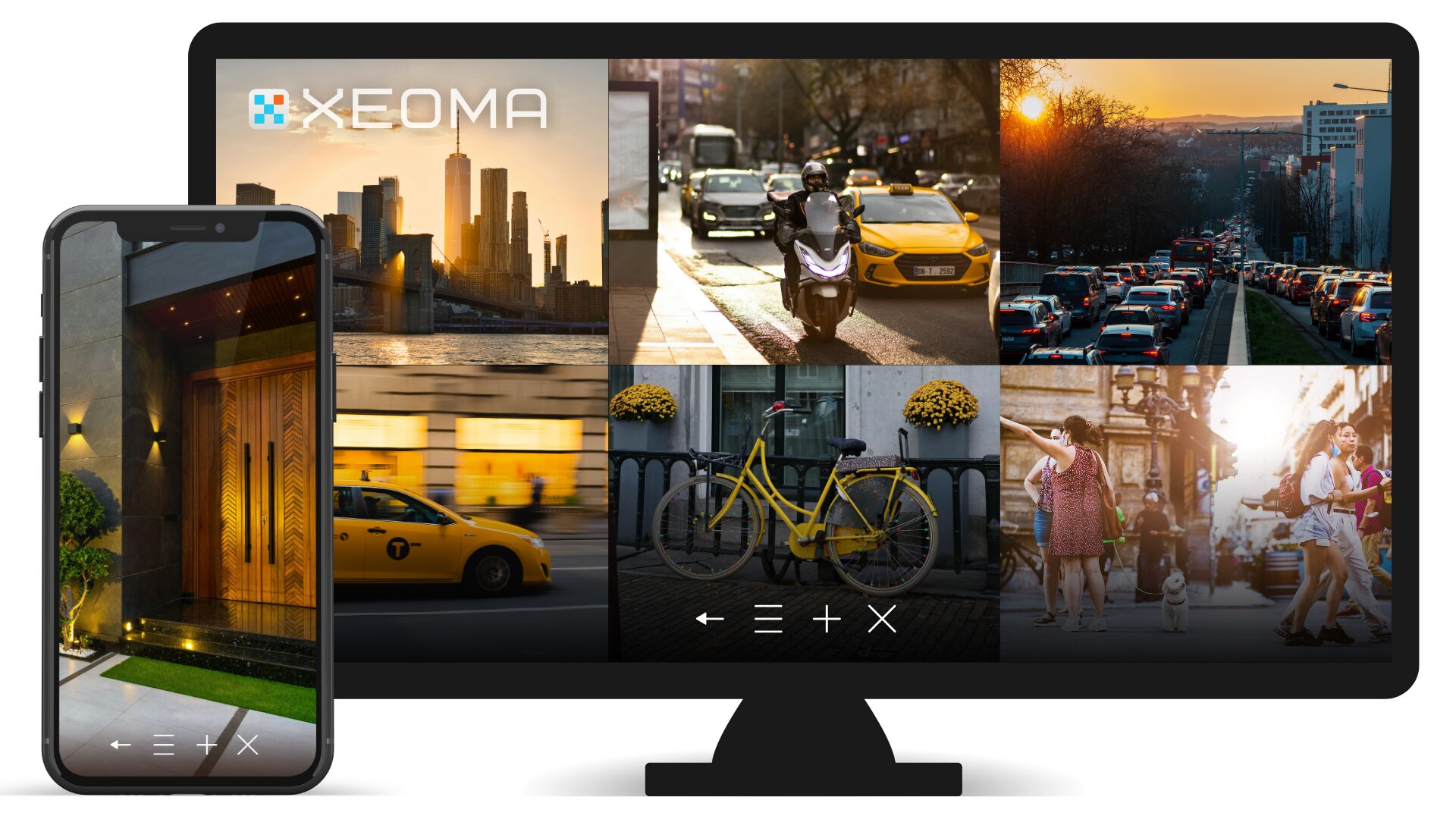
Bereit, Gesichtern automatisch Namen zuzuordnen?
Testen Sie die Gesichtserkennung von Xeoma kostenlos. Keine Zeitbegrenzung für die Demo —
evaluieren Sie die Lösung in Ihrer realen Umgebung in Ihrem eigenen Tempo.