
How to choose a security camera without losing your mind: a beginner’s guide
Picture this: you’ve decided to install a camera. Just for peace of mind — to keep an eye on your house, the car parked outside your window, or the dog that’s clearly getting ready to snack on the sofa while you’re away.
You open an online store, and there it is… IP, 2.8 mm focal length, IR illumination, “fisheye”, H.265 codec, ONVIF, and a whole pile of other symbols that make you want to close the tab and never come back. At a moment like that, you don’t really want to become a tech specialist — you just want to know what’s going on at home. In this article, we’ll walk through the things worth paying attention to when choosing a security camera — no fuss and no unnecessary jargon.
Step 1. Where are we putting the camera? (Outdoors vs. Indoors)
This is the first thing to figure out. Cameras fall into two camps:
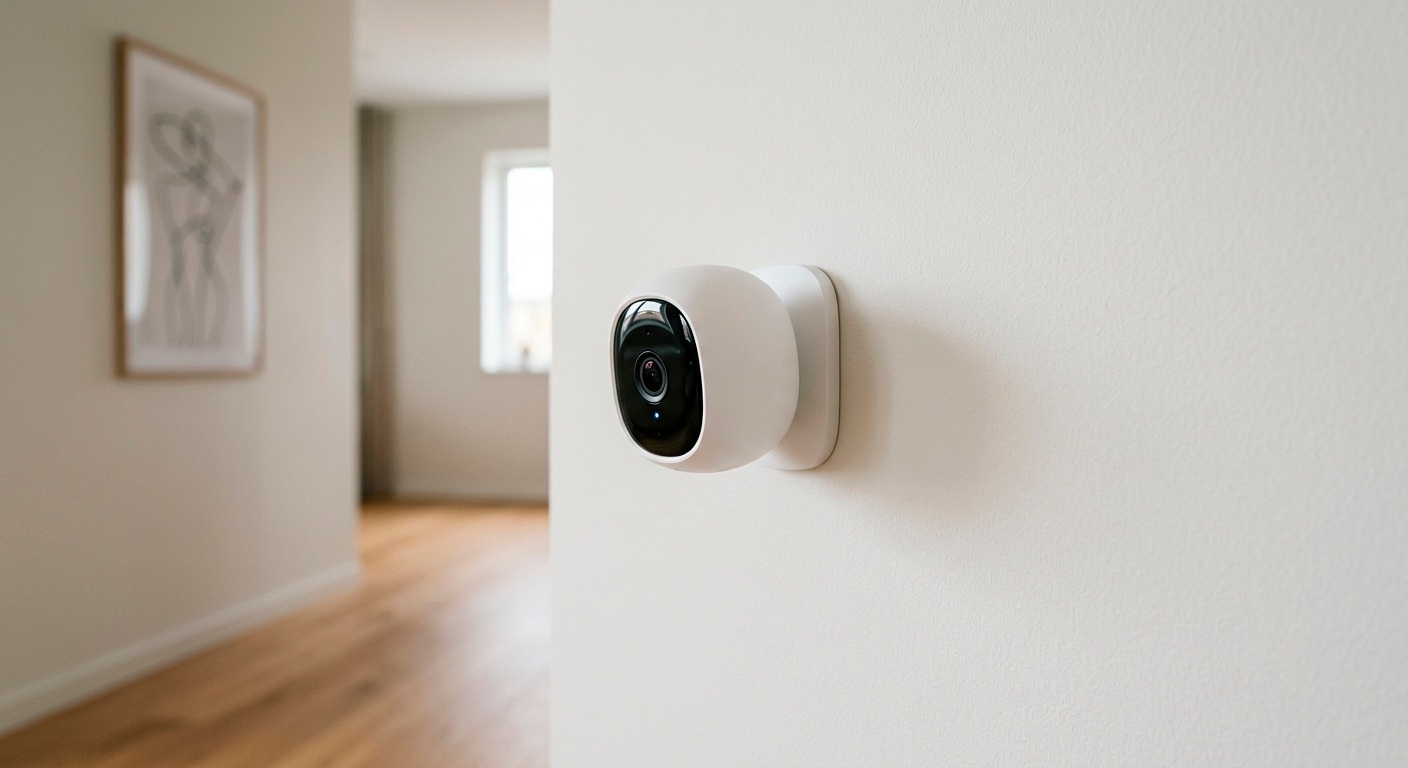
Indoor: small, cute, often looking like funny little robots. They don’t need armor or rain protection. The main thing for them is to blend in nicely on a wall or shelf and simply work.
Outdoor: these guys are tougher. They’re not afraid of downpours, frosts, wind, or hooligans throwing rocks.
Tip: when choosing an outdoor camera, look for IP66 or IP67 in the specs. This is the international standard for dust and water protection. Anything lower isn’t suitable for outdoor use.
Step 2. Choosing the shape
The shape affects not only the look but also how the camera “sees” the world. The most popular options:
Dome cameras (half-spheres): they resemble dark glass hemispheres. They’re usually mounted on the ceiling in offices or shops. A convenient advantage is that from the outside it’s hard to tell exactly where the lens is currently pointed.
Bullet cameras (cylindrical): classic cameras in an elongated body. Thanks to the shape, more powerful components can be fitted inside such a camera (for example, long-range IR (infrared) illumination or a hardware motion sensor).
Pan-tilt-zoom cameras (PTZ): these cameras can turn their “head” on your command, right from your phone. Perfect if you want to survey the whole yard with a single camera.
Step 3. How will it transmit video?
There are two main paths here, and one of them is the clear favorite for a beginner.
Analog cameras (AHD, TVI, CVI): the good old classic with a modern twist. Their picture is excellent these days, but to work they absolutely need a digital video recorder (DVR – a little box where all the wires converge and the hard drive sits). If you want to build a large system around the house with 8–16 cameras, this is your choice. But you’ll most likely have to cut channels into the walls and run cables.
IP cameras (including Wi-Fi models). Now this is the beginner’s choice. Such a camera is essentially a small computer with a lens. It processes the video itself and sends it out over the network. Many Wi-Fi cameras only need a power outlet, connect easily to your home router, and let you view the footage from your phone anywhere in the world.
Step 4. Megapixels: how many do you need?
Marketers love slogans like: “Buy an 8-megapixel camera and spot a fly on the wall!”
Spoiler: you don’t need that. More megapixels isn’t always better. The higher the resolution, the more space the video takes up and the more heavily it loads your internet connection.
| Resolution | Who is it for? | Notes |
|---|---|---|
| 2 MP (Full HD) | For home and small rooms | The gold standard. Enough to tell who’s walking around the room or to read a car’s license plate a couple of meters from the porch. |
| 4 MP (2K) | The ideal balance for outdoors | A sharper picture; you can zoom in a bit without much loss of quality. |
| 8 MP (4K) | For specific tasks | Needed if you have to examine banknotes at the checkout in detail or make out small details at a long distance. |
Step 5. Where do you store the recordings?
The camera has caught the cat red-handed. Where do you go looking for the footage?
Memory card (MicroSD) — the simplest and cheapest option. It goes right into the camera. The downside: if an intruder steals the camera itself, they’ll carry off the recording along with it.
Cloud — the camera sends the video to a remote server on the internet. Even if the camera is smashed with a hammer, the recording stays in the app. This is usually a paid subscription.
Network video recorder (NVR) — an option for those who are installing 3-4 (or more) cameras and want to keep a whole month of footage.
Computer hard drive — in this case you’ll need dedicated video surveillance software, but you won’t depend on third-party services or pay for a subscription.
Pre-purchase checklist: four important features
When you’re choosing a specific model, make sure it has:
1. Night mode (IR (infrared) illumination). Without it, at night you’ll see nothing but darkness. A good camera sees in the dark for about 15–20 meters.
2. Motion sensor. So the camera doesn’t record hours of an empty yard, set it to record only when there’s movement in the frame. And you’ll get a notification on your phone.
3. Two-way audio. A microphone and a speaker. You can not only listen to what’s happening but also shout at a stray cat: “Hey, get away from my seedlings!”
4. Support for the ONVIF standard and codecs (H.264, H.265). Some cameras only work with their “native” app (which often glitches). Support for the ONVIF protocol guarantees that the camera won’t turn into a “brick” and will easily connect to any third-party software.
Quick summary
If you’re choosing your first camera and don’t want to complicate your life: get a pan-tilt-zoom Wi-Fi IP camera with 2 or 4 MP, ONVIF protocol support, and a memory card slot. Cameras from well-known brands can be set up in 5 minutes through a smartphone app — even a cat could handle it (okay, fine, a smart cat).
And what about the built-in software?
Users often run into the fact that cameras’ “native” apps (especially those of budget Chinese no-name models) work unreliably, offer meager functionality, or require a subscription.
If you’re looking for reliable video surveillance software that will bring any cameras together into one convenient system, give our Xeoma software a try. We’ve been developing it since 2004.
Xeoma’s advantages:
Modular interface: the setup comes together like a children’s building set.
Smart analytics: inside there are modules based on artificial intelligence — the program can recognize not only faces but also people’s emotions, count visitors, and even notify you in time about kitties that have wandered into the yard.
Affordability: we have a completely free version (no ads). You can also download Xeoma from our website and test all its features with the trial version, or request a long-term demo license.
July 15, 2026
See also:
What is video surveillance? A beginner’s guide
Let’s get it started: how to use Xeoma
Xeoma video surveillance for Windows
Video surveillance for noobs: CCTV DIY 101