XEOMA
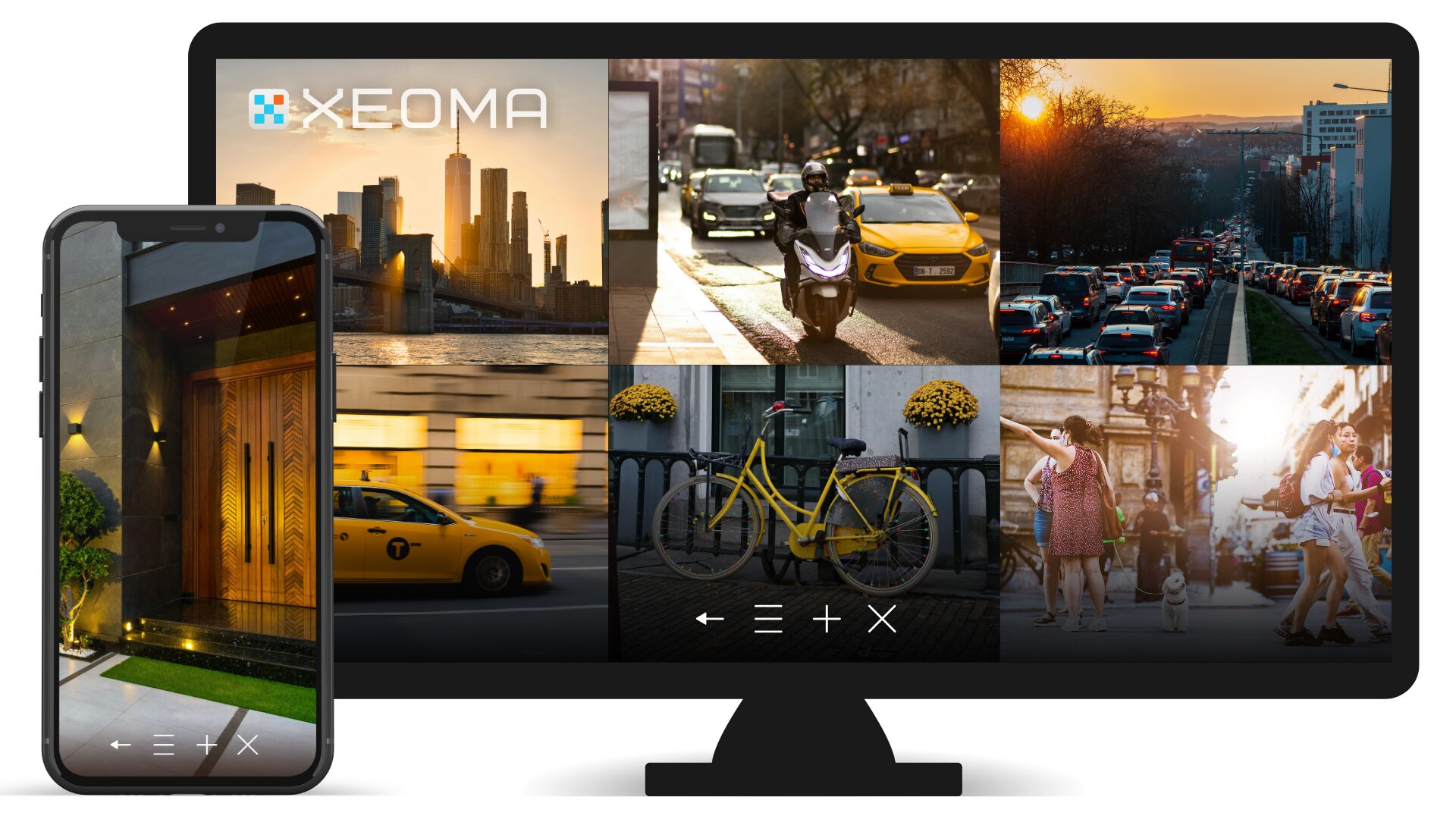
Xeoma: for video surveillance and beyond

Xeoma is the video surveillance software for any camera-based project — from basic recording to projects powered by artificial intelligence. Deployed on your computer, it connects to cameras across your network to handle the tasks that matter most to you — from continuous recording and event-triggered notifications to extracting valuable business insights, such as people counting or work time tracking.
Xeoma’s advantagesThe software combines extensive capabilities with unique strengths, making it a leader in several segments:
- A leader in its niche. Xeoma is the leading video surveillance solution for Linux ARM and Android, as well as one of the most popular choices for macOS.
- Broad reach. It ranks among the top video surveillance software for Windows and Linux, confirming its versatility and reliability.
Xeoma is software that transforms your cameras into an intelligent security and analytics system. Here is why security teams and private users choose Xeoma:
- Cross-platform compatibility
The software runs on all major operating systems: Windows, Linux (including ARM versions), macOS, and Android. It supports the vast majority of cameras, freeing you from vendor lock-in. - Powerful analytics and unique features
Deploy artificial intelligence modules for license plate recognition, face recognition, event detection, visitor flow analysis, and heatmap creation. Xeoma also includes professional-grade tools: integration with access control systems, floor plan creation, automatic archive distribution across multiple drives, an open API, the option to launch your own cloud service – plus much more. Flexible system configuration helps meet any need. The desktop version of Xeoma provides full data control: all data is stored locally on your hardware. Archive privacy and security are built into the platform by design. - Scalability for any business size
Start with a few cameras and grow without limits. Xeoma ensures stable operation at scale — up to 3,000 cameras per server, validated by enterprise deployments. The software includes built-in fault tolerance, detailed access rights configuration for employees, and data protection that meets modern compliance standards. Deep customization options make Xeoma a ready-made platform for enterprise rollouts and unique projects. - Support tailored to your needs
You get more than just an “out-of-the-box” product. Our team provides free technical support, answers questions of any complexity, and is ready to develop additional features or create a custom solution based on the Xeoma platform to fit your exact requirements.
cameras per server
camera brands supported
year of establishment
monthly downloads
Xeoma features
Artificial intelligence and beyond





Xeoma editions
Check Xeoma editions (Lite, Standard and Pro) comparison table
 |
You can calculate system hardware requirements using our calculator |
One platform for different tasks
Xeoma is equally effective for basic video recording and complex integrated systems. Its flexibility unlocks possibilities far beyond classic video surveillance. Here is just a sample of its application scenarios:
- recording of video with sound,
- perimeter control with instant intrusion notifications,
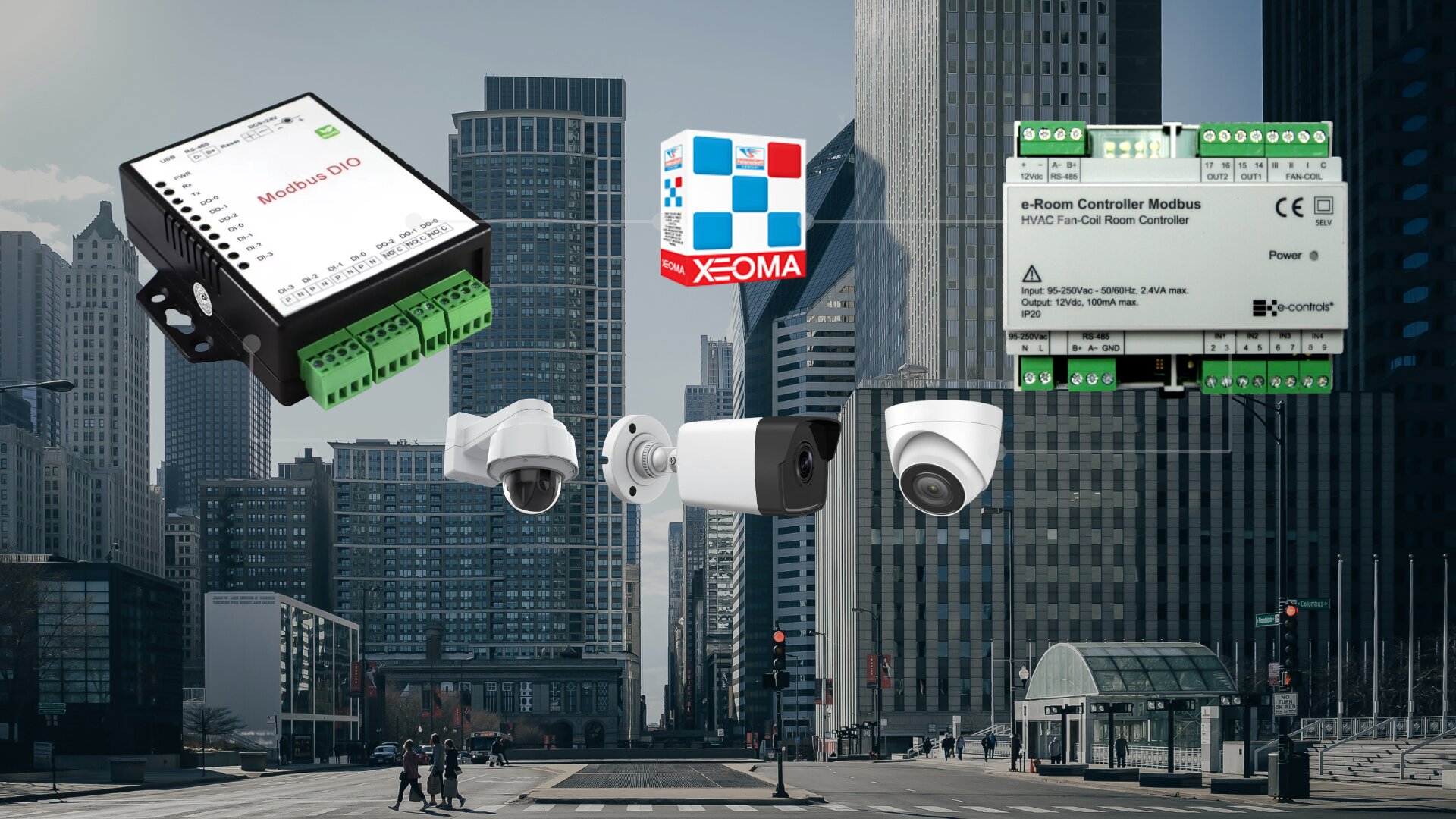
- integration with sensors, alarms, and third-party equipment,
- access control with face and license plate recognition,
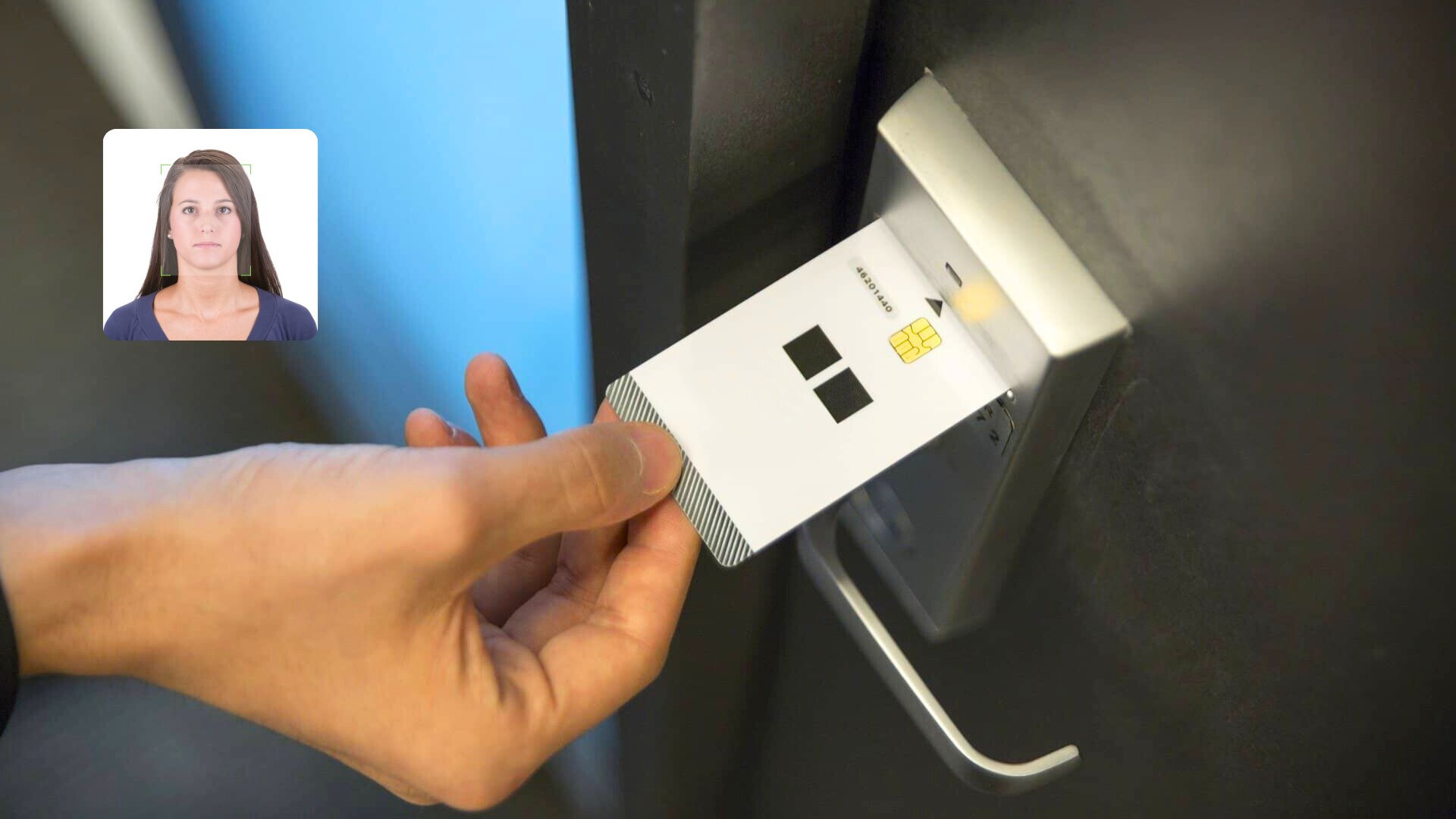
- automated access with smart cards and QR codes.

- defect recognition on the production line,
- efficiency monitoring of conveyor operations,
- queue detection in stores,
- anti-fraud cash register monitoring,
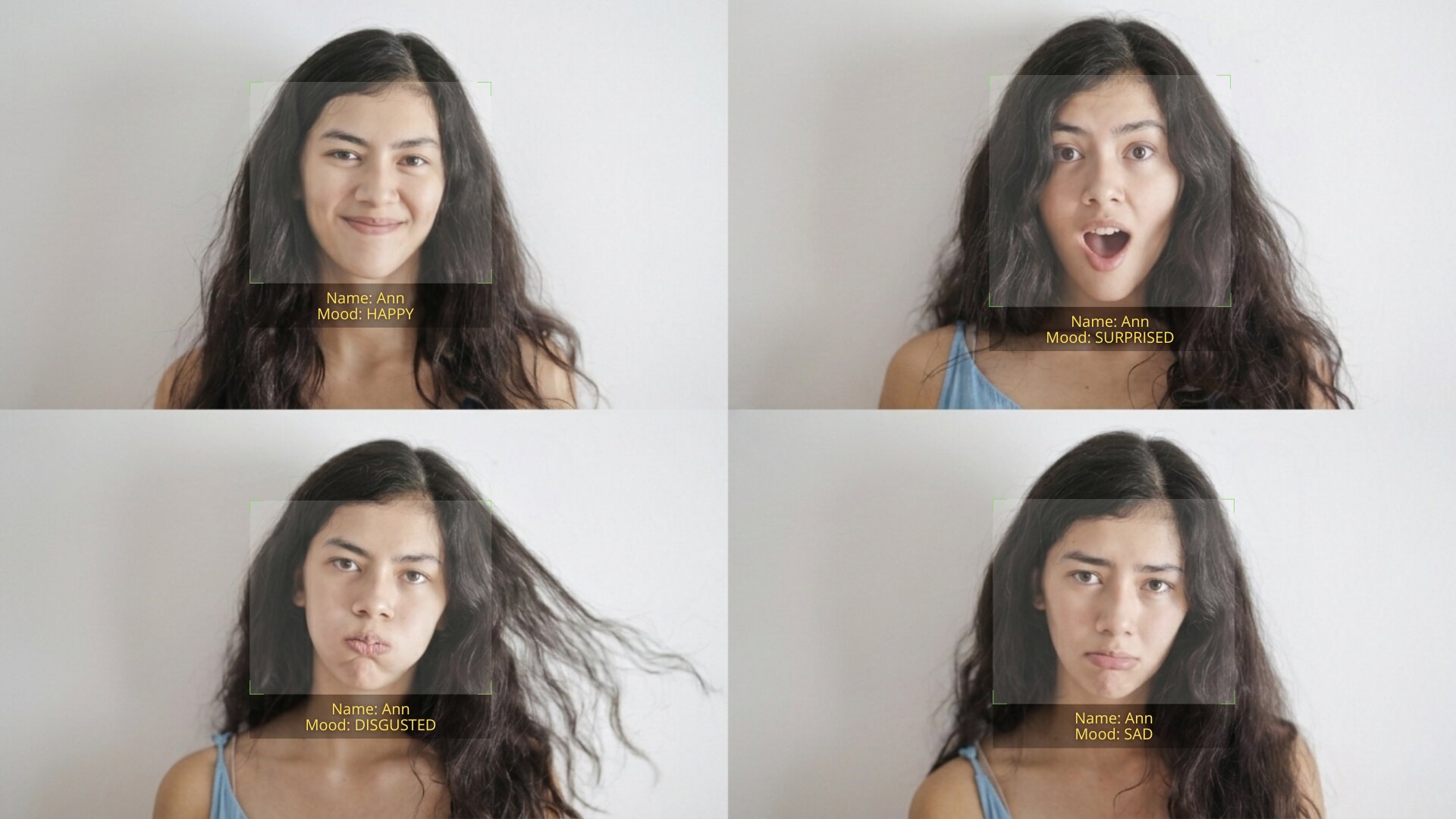
- visitors counting and emotion recognition,
- advertising screen monitoring,
- creation of your own cloud video surveillance service.

- deterring birds of prey over fish farms and crop fields,
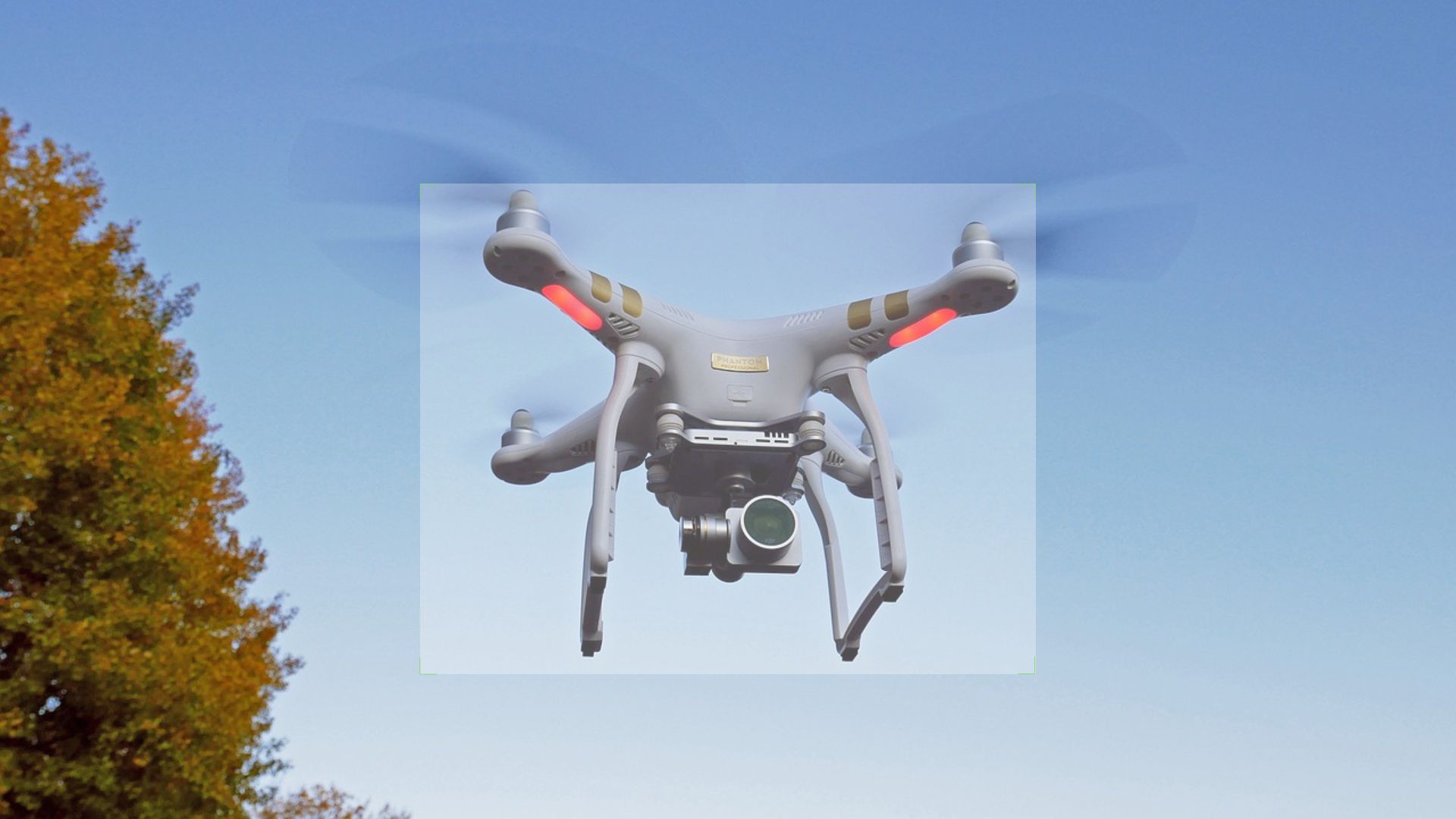
- detection of foreign objects in restricted areas (e.g., drones),
- monitoring of personal protective equipment (helmets, masks),
- price tag recognition for stores,
- automated ball tracking for live sports broadcasting,
- integration with cash registers and equipment for automated accounting,
- visitor heatmaps for floor-layout optimization in retail and warehouse environments,
- automated remote site and ATM monitoring.

- automated fines for speeding violations,
- transferring footage from body-worn cameras,
- search for missing people or vehicles via city cameras,
- passenger occupancy detection in public transit,
- rapid incident response and crime prevention (based on emotions, sounds),
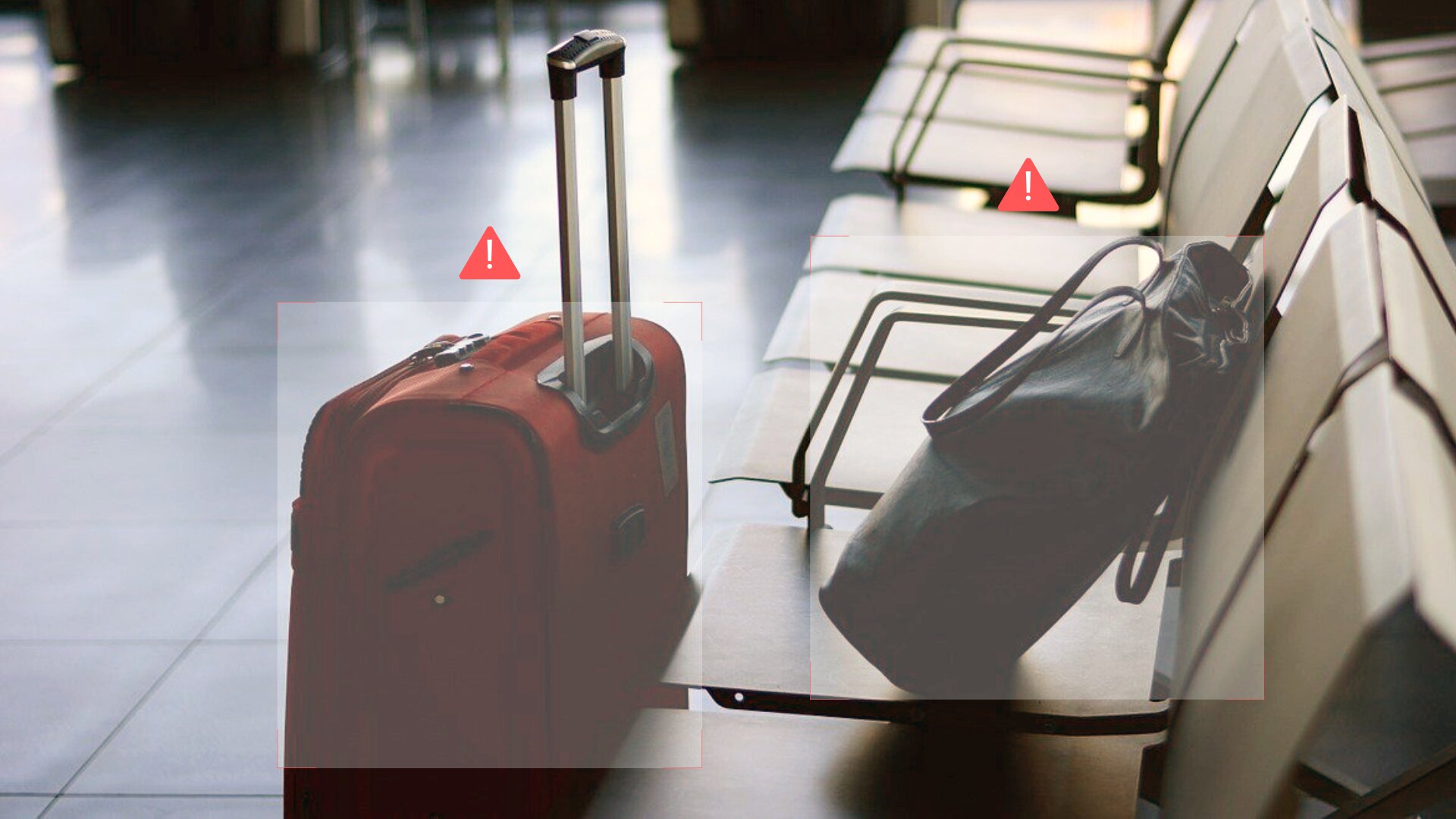
- detection of dangerous situations: crowd gatherings, unattended items.

- door/gate opening upon face/vehicle recognition,
- appliance activation (cleaning, cooking, climate control) under specific conditions,
- alarm triggering and police dispatch upon approach by a person or vehicle from a “blacklist”,
- detection of intrusion or suspicious sounds,
- remote monitoring and control of PTZ cameras for complete area oversight.

- Purpose-built functionality for your project — easy and simple with Felenasoft: Need a non-standard solution? Our team will adapt Xeoma for your unique tasks using computer vision and artificial intelligence technologies.





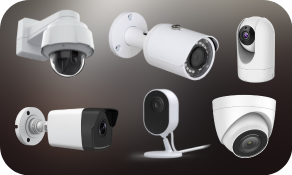
1000+ supported camera models: ONVIF, MJPEG, H.264, H.264+, H.265, H.265+, H.266, Fisheye, WiFi, PTZ, audio, RPI module etc.
More about supported cameras

Works on all popular OSes: Windows, Linux, Linux/ARM (Raspberry), Mac OS X, iOS and Android.
More about supported OSes
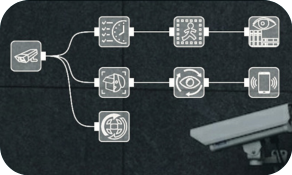
Simple interface — easy setup and module combination. Assemble the required configuration in minutes, without studying complex manuals.
More about Xeoma interface
Reliability proven over time
Xeoma has been in active development since 2004, with continuous improvements to the platform’s core engine and feature set. That experience enables us to create solutions that power security and analytics operations for clients worldwide, every day.





 Deploy in minutes. Start monitoring immediately
Step 1: Download Xeoma for your OS
Step 2: Start using Xeoma straightaway
All essential features – and more than that
More than 100 features, from simple to advanced ones. Video analytics:
- license plate recognition (Europe, UK, USA and CIS countries),
- face recognition, search by photo,
- recognition of emotions, age, gender,
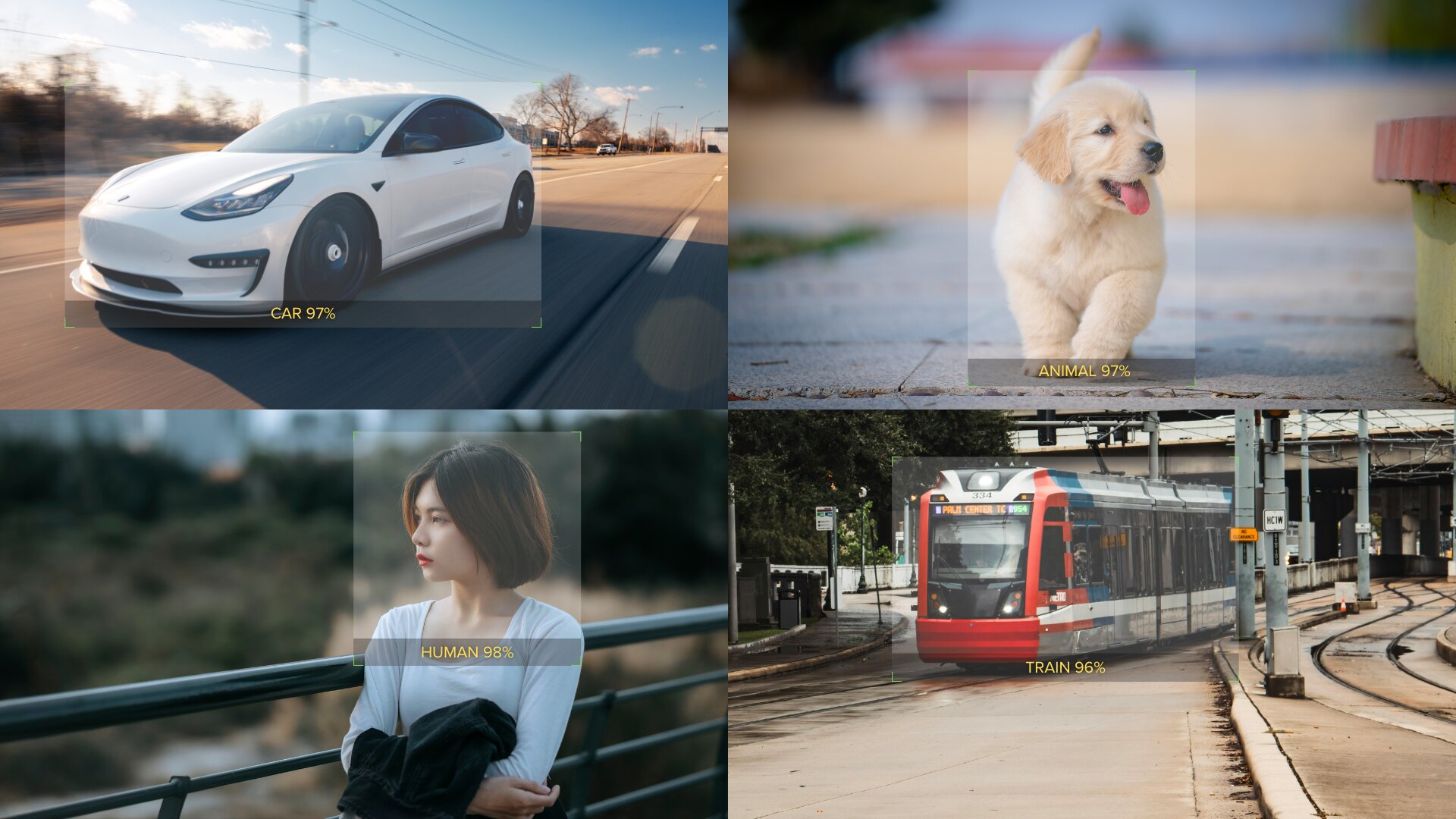
- recognition of objects (human, car, animal, bird, motorcycle),
- recognition of sounds (scream, baby cry, gunshot, glass break, car alarm),
- detection of crowds,
- recognition of color,
- detection of loitering,
- recognition of smoke and fire,
- detection of objects,
- CCTV system health monitoring,
- detection of abandoned and missing objects,
- dynamic face and objects blurring,
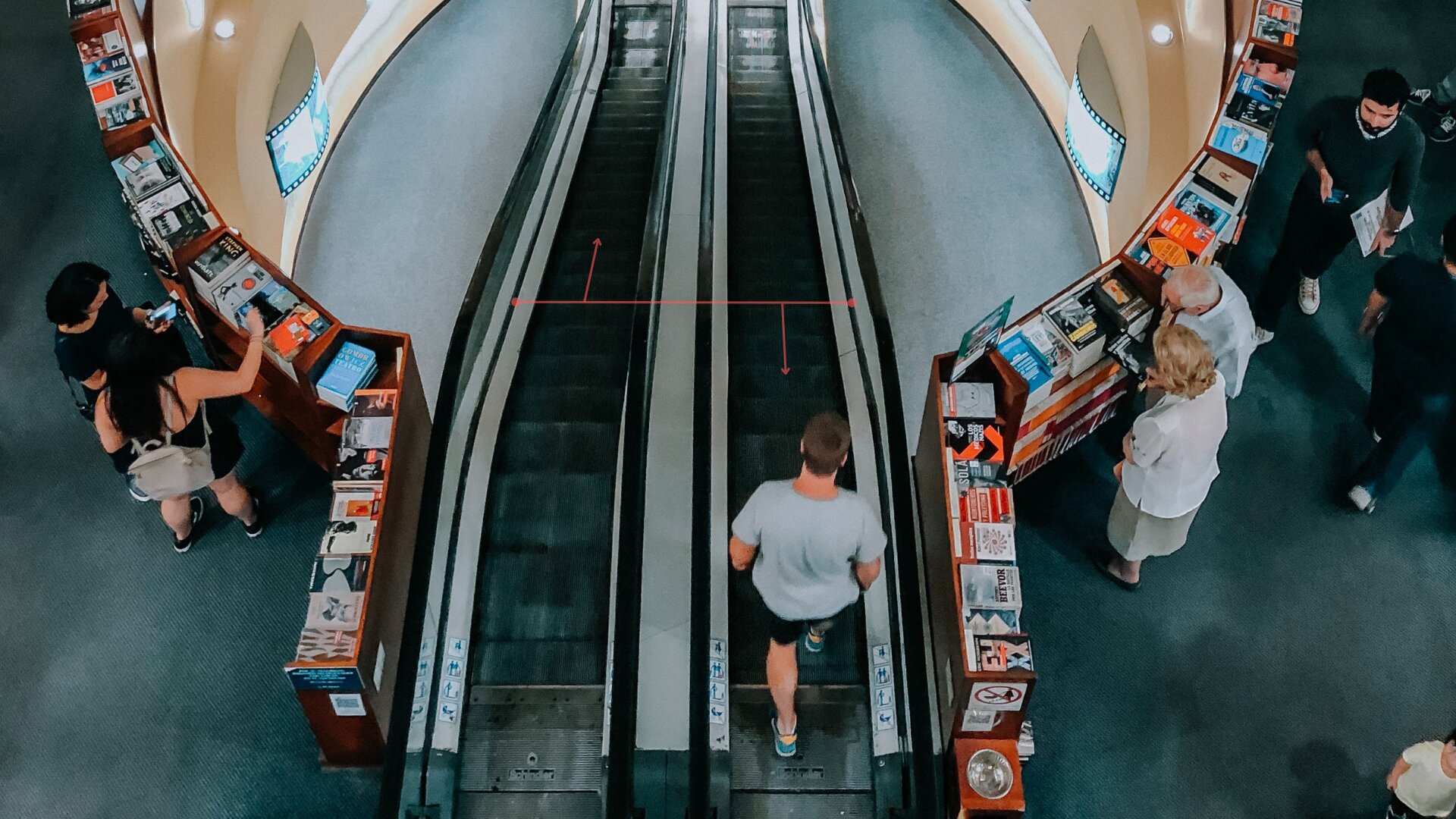
- automatic visitor counter and cross-line detection,
- search for motion events in the archive by time or zones,
- movement visualization,
- integration with 3rd party devices (“smart home” devices, cash registers, external devices, etc.),
- PTZ tracking.
- motion detector with pre-record for zones of any shapes,
- fisheye dewarping,
- motion-triggered placing of cameras in bigger slots,
- camera grouping (layouts and tabs),
- multi-layered interactive map of a site (eMap), device list of cameras, image rotation, zoom in/out,
- PTZ presets and tour guides,
- interactive button for switching operating modes,
- export, deletion from the archive, configuring non-deletable records, simultaneous viewing and uploading of several archives,
- sending SMS notifications,
- upload via FTP and to another Xeoma,
- dual streaming from cameras,
- simultaneous recording to several disks,
As well as:

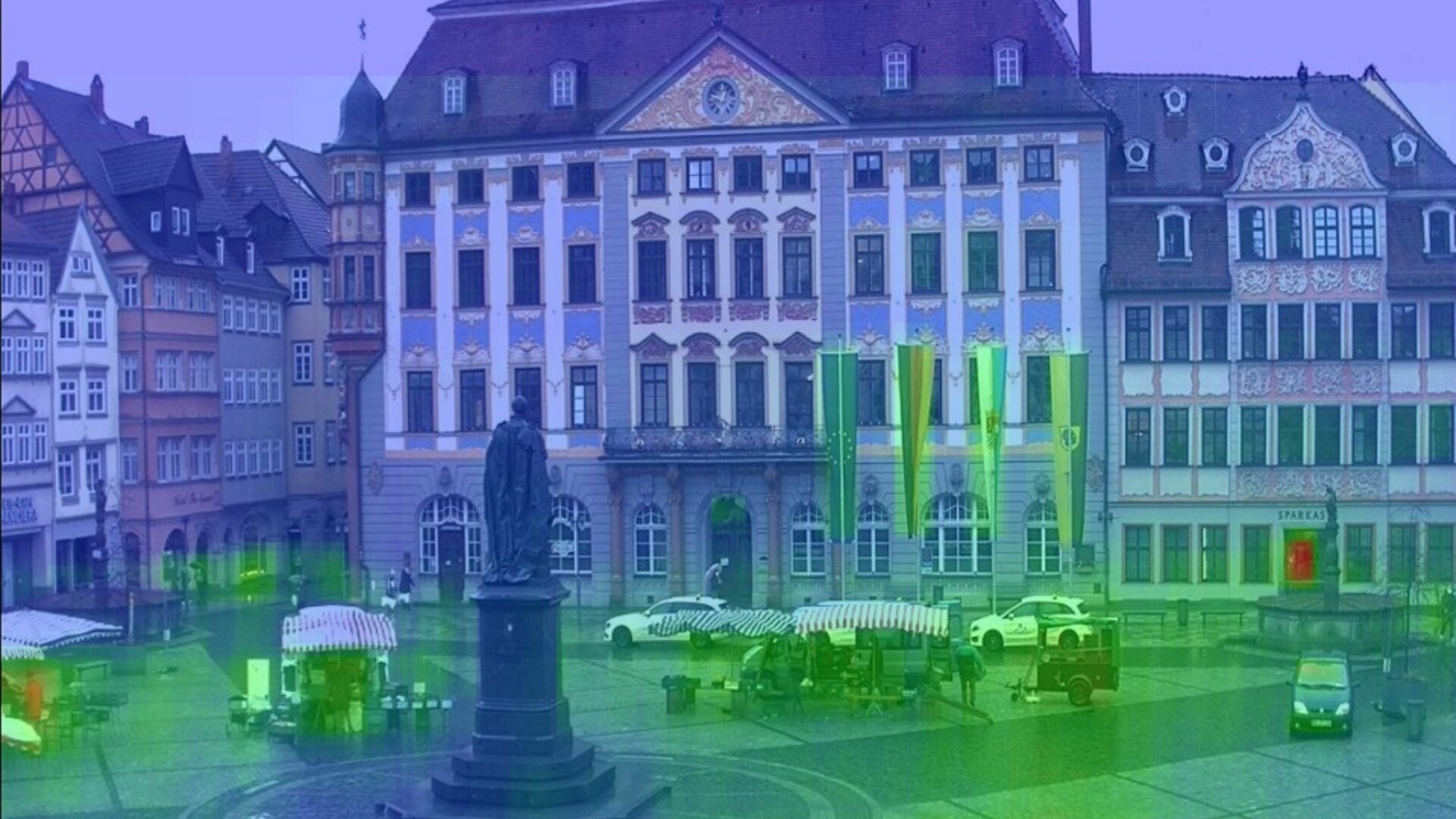
Remote access from anywhere in the world
Access your cameras and manage Xeoma from anywhere in the world — even without a static external IP address! Use the Xeoma mobile or desktop client to connect to your cameras and view their live feeds and archive recordings. P2P remote connectivity is included at no cost.
We urge you to refrain from using emails that contain personal data, and from sending us personal data in any other way. If you still do, by submitting this form, you confirm your consent to processing of your personal data
Ready to get new versions before all others? Subscribe to announcements about new beta versions here
Administration and user profiles
Quick addition of up to 3,000 cameras per server, any camera resolution (10 MP and above), easy management, restoring settings directly from the program interface, support for LDAP and LDAPS, multi-server connection, network clustering, granular access controls, starting your own cloud service — delivering reliable, unattended operation around the clock.
Didn’t find what you need? Let us know!
Xeoma has been installed in a number of banks, airports, insurance companies and factories around the world.

Check all partners and testimonials
Real world feedback:
Randy P., CNC Engineering Tech at Tesla Motors Inc., USA  Verified customer

“Thank you for the work you have done to meet our needs, the software showed a great deal of promise.
You are very responsive, thorough, and professional.”
13 October, 2023
Dorie Nelson, Executive Assistant at Western Digital Corporation, USA Verified customer
“Thanks for helping us to create a prototype of the upcoming ‘My Cloud’ network storage devices with embedded Xeoma video surveillance.”
Todd Cohen, Lashley, Cohen and Associates, Inc., USA Verified customer
“We enjoyed working with you and hope to continue working with you when the need arises. Your support was great and everything you provided worked as promised.
Once again thank you for your help. ”
Gloria Brent, MDS, USA Verified customer
“You guys are the best and beyond wonderful!
I want to tell you that your company has been exceptional at getting this product to market. Your team is fantastic to work with, and we truly had a great system.
Thank you for the years of assistance you have given me to finish this project. If you need any references from companies inquiring about your service, please give them my contact information. I will sing your praises across mountains and tree tops!”
Christian S., net@talk GmbH, Germany Verified purchase
Great
“There is very much positive feedback on xeoma from all our customers using it, and we are very happy, to be a reseller of this great product.”
Andrew Lorber, Hudson Exchange Group, USA Verified customer
“Thank you for your patience and exemplary work ethic!
We are very happy to be in business with you.”
Vincent Hsieh, Aleric Inc., USA Verified customer
“I enjoyed very much working with you over the years.”
Xeoma partner Verified partner
“We have been using Xeoma as the core platform for delivering CCTV services to our enterprise customers. Overall, the system has performed very well—stable, reliable, and well received by our clients when compared with other platforms currently available in the market. We mainly distribute our own private cloud with Xeoma white-label solution by deploying the Xeoma client on desktop systems and Android TV boxes. Our enterprise customers have been very satisfied with this approach, particularly due to Xeoma’s strong feature set, which clearly outperforms competing platforms, especially when used through the Xeoma Desktop Client. We have also customized the interface using the white-label tools you provide, which has worked very well for us.”
Tom, USA Verified purchase
Headless Linux
“I struggled to find just a server piece that ran on a headless Linux box, this fit the bill entirely. … Your guys’ software rocks.”
Fernando, Brazil Verified purchase
Pro is the best
“I use the Pro version of the software and I can say it’s the best.
The company also has an excellent post-sales technical support that aids in subsequent doubts.
I congratulate also on the page where it explains virtually everything in the software.”
Bryan R., USA Verified purchase
Absolutely amazing
“This software is absolutely amazing. Xeoma has all the fundamentals for a reliable security system, with a plethora of advanced and artificial intelligence features as well. It is a self-contained, single binary, turnkey solution, which runs completely out of the box on virtually all modern operating systems. This is also one of the best options for Linux; while not open source, it is actively maintained and updated. It is also extremely stable and has unbelievable efficiency and performance!”
Lance S., Great Britain Verified purchase
Awesome app
“An excellent application for video surveillance, I have been using it for more than 10 years.”
Otto B., Sweden Verified purchase
Reliable
“Works well. Support is very responsive”
Client, NHS, UK Verified purchase
“After doing extensive research, including using ChatGPT to explore and compare various surveillance options, I have come to the conclusion that Xeoma is the best fit for my needs.”
April 20, 2025
Client, Germany Verified purchase
“I have to admit, the FelenaSoft-Serviceteam is the greatest I ever had to work with.
really professional, fast, always reliable!!”
April 22, 2025
Bryan Russell, Founder & CEO, Duluth Security Needs Verified purchase
“If I remember correctly, [your support team] had told me several times to get ready for the new facial recognition algorithm to be released soon, which I eagerly anticipated. Now, when I saw it accurately recognize my face from almost 50 feet away down the hall – from a dewarped 360-degree camera at a meager 1920×1920 resolution, I immediately knew this was the solution that so many clients and potential clients have been waiting for.”
November 25, 2025
James, Software Developer, Hartford CT Verified purchase
“One of the biggest reasons I chose to use xeoma – is ability to mix and match cameras from various vendors, including generic and inexpensive (until recently) chinese brands. Basically any camera with rtsp should work.
The idea of being locked into one specific cctv vendor ecosystem seemed somewhat unattractive to me, so generic NVR software is great to avoid vendor lock-in!”
May 4, 2025
Read more feedback about Xeoma | Leave yours and help others
Volume discounts on Xeoma products. Lead referrals sent directly to you. Free rebranding and customization. Billing system integration with one-click license generation. Special pricing for hardware manufacturers. Free demo licenses for tests and dedicated technical support from our team. More about Xeoma partnership program here.
FelenaSoft is looking for partners – security camera installers, security system engineers, security equipment manufacturers, telecommunication providers, CCTV dealers, distributors and resellers – from all over the world. Please contact us!
Typical application scenarios for Xeoma







For banks:
Xeoma’s AI at your disposal: check your customers emotions, detect fraud and count visitors







For schools:
Xeoma is suitable as a video nanny and perfect to be used at schools, kindergartens and similar facilities
For advertising:
Use Xeoma’s AI-based emotion, face, age and gender recognition to collect valuable marketing information

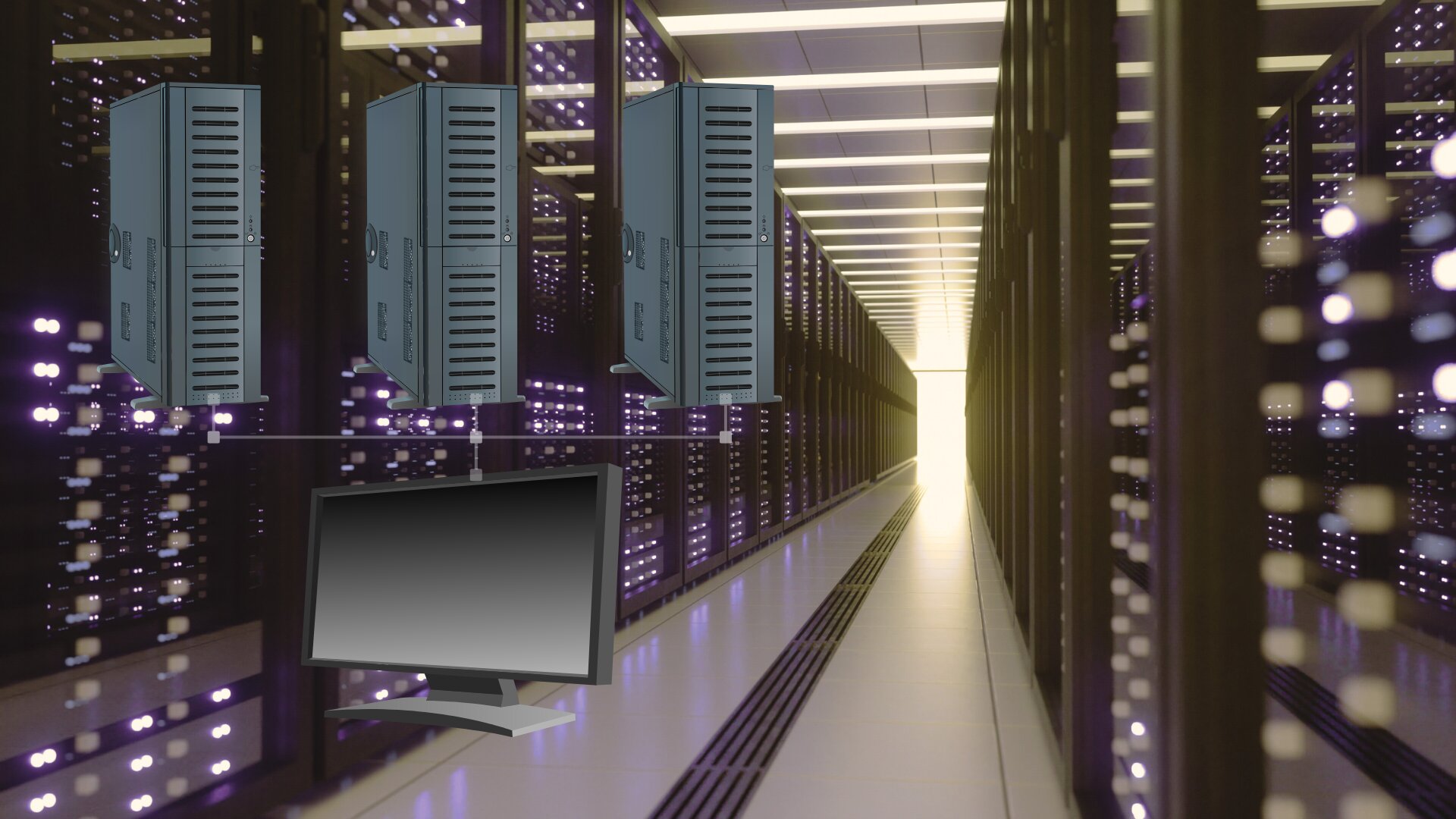
For operators:
Create various accounts for operators with restricted access to ensue CCTV system safety



Try Xeoma for free! Enter your name and your email to send the license to in the fields below, and click the ‘Get Xeoma free demo licenses to email’ button.
We urge you to refrain from using emails that contain personal data, and from sending us personal data in any other way. If you still do, by submitting this form, you confirm your consent to processing of your personal data
Latest Xeoma news:
April 10, 2026: New article: Where to get a camera for video surveillance? 9 unusual ideas
March 19, 2026: New version: New beta version Xeoma Beta 26.3.18 is released. Learn more
March 17, 2026: New article: Milestone alternative: An easy and seamless transition to Xeoma video surveillance software
February 27, 2026: New article: Top video surveillance software 2026
… (read more news about Xeoma)