
Archive of videosurveillance program Xeoma
They say, time is money. But despite modern technologies being so advanced nowadays many users of CCTV systems tend to monitor what is going on themselves or to have someone monitor it, watching screens of their PCs or work stations day&night. Real-time monitoring is time-consuming and therefore very expensive. Do you really need those extra costs? Often what you really need is set up recording to view it at comfortable time. This option enables us to have it under control without spending much time.
Xeoma CCTV System has an archive, specially designed to meet these purposes. All recordings from the camera(s) will be stored in default user catalog, conveniently sorted by date, you can even use NVR and DVR storages with Xeoma. Archive recordings can be watched both online and in offline mode. You can browse the archive, with Xeoma CCTV system continuing to monitor and record.
Archive of Xeoma is equipped with a handy built-in media player. Timescale of the archive is adjustable (minutes to hours) so you can easily and quickly find the required time period and begin playback from that point. Rewind function is also at your disposal – view only what you want to and from the moment you want. You can adjust the records playback speed, for example, to play fragments in the fast mode that are of little or no interest to you and focus on the parts worth more attention. Xeoma supports both forward and reverse playback.

Archive is fully customizable. Define maximum size of the archive, storage time, quality and compression rate of the stored material – control the space on the hard disk of your machine allocated for archive.
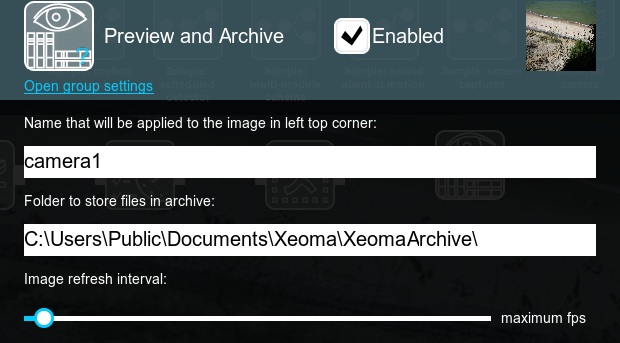
You can estimate required disc space for archive storage with our minimum system requirements calculator.
For example, if you want to use your 2 Mpix high-resolution cam to record live video in MJPEG mode 24/7 with 5 fps and standard compression rate, you are going to need almost 500GB of free disk space per camera per week of storage. Storage capacity also depends on many factors in the field of the view, but remember that required disk space can be reduced by setting up motion and day detectors, or with scheduled recording. You will never have to face the problem of the full disk or archive stopping recording if the place reserved for it comes to an end. Once the limit is exceeded, Xeoma’s archive will start recording over oldest materials.
Professional features in Archive (requires PRO license)
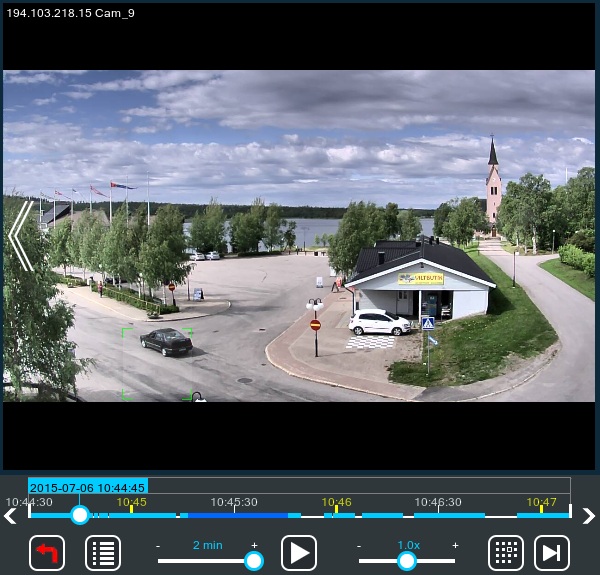
Visualization of motion
Visualization of motion function doesn’t only detect moving objects, it also provides its tracing.
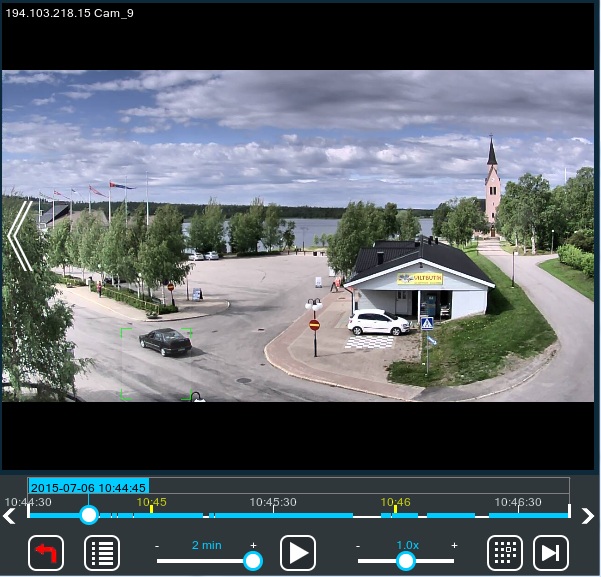
Evidence blocking: Possibility to mark a piece of an archive as undeletable
Select a certain period of time in archive and mark it as a undeletable (Archive -> Main menu -> Delete interval -> Save selected interval as undeletable) to block video evidence from being accidentally deleted or overwritten. This function allows you not to lose important segments of the recording and will reduce to the minimum the possibility of their removal by operators.
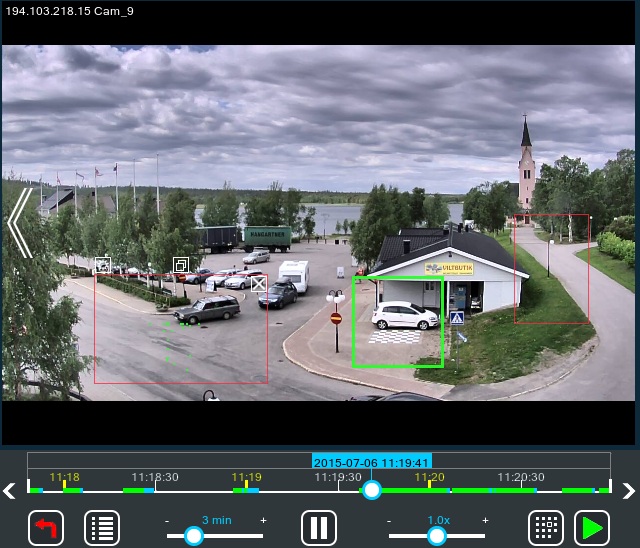
Search by motion
Search by motion function makes navigation in the Archive easier and more convenient. After you choose this option, select a rectangular area right over the camera view to search for motion events in. The found motion events will be showed on timeline in green color. You can have several search areas selected at the same time. To unselect an area, click inside it. To unselect all areas, use the option in the archive player menu.
Alternative option to reduce HDD space
Another option is to use Saving to File module to save videos with other codecs (for example, high compressive H.264) – this way videos won’t take so much space but will not be played with the built-in player of Xeoma either.
Or, if yours are rtsp (H264) cameras, you can use direct saving to archive without re-encoding.
NVR or DVR storages
Xeoma can work with surveillance video capture cards. It allows to utilize the existing analog cameras within IP network and perform central management over both analog and IP cameras.
Xeoma works both with NVR and DVR storages. There are some factors that affect the DVR / NVR storage capacity: video compression (codec), resolution, and motion detection recording, so Xeoma will easily help you to use the storage space effectively.
Using Xeoma you will be able to optimize the storage of almost any DVR or NVR.
More resources
In Xeoma Video Surveillance Software. Archive video tutorial you can see the advantages of archive of Xeoma in action.
Also, this Youtube video about differences between Archiving and Save to File options may be of help.
Reliability, security, stability – these are the very qualities that make Xeoma advantageous to other CCTV software. These are also the qualities necessary to have a truly professional surveillance system in personal life and in business.

|
Starting with Xeoma beta 23.12.7 a noise reduction option ‘Enable noise reduction’ has been added to the settings of the ‘Preview and Archive’ module. The option works with any audio types in Xeoma, and delivers clean sound even when the direct saving to the archive is used. |
6 Mar 2012
Read also:
Complete Xeoma User Manual
Frequently Asked Questions about Xeoma software